2026-06-07 · Blog
You have a CRM and still ring round for statuses — why, and how to fix it
Details
The CRM has leads, stages and dashboards. And before every meeting somebody still rings to ask what's going on. Here's why a CRM documents work instead of running it, and what Control Hub changes.

You have a CRM. So why are you still ringing round for statuses?
The CRM holds data. But to reach a decision somebody still has to assemble the status by hand from the CRM, a spreadsheet, a folder of material and sales conversations. Control Room is meant to take that job off people and show what the data adds up to.
You have a CRM, a pipeline, lead statuses and a few dashboards. And when the meeting comes round, somebody still rings sales to ask what's happening with a particular deal. That's the moment the difference shows between a system for entering data and a system for making decisions.
The CRM may be set up correctly. Leads may have stages. The sales team may be filling in notes. The board may be able to see a pipeline table.
And the company still has no simple answer to the week's most important questions: which deals are genuinely close to a decision, what sales is missing, which material is current, where the buyer has got stuck and who needs to move next.
Control Room isn't meant to replace the CRM. It's meant to take off people the job of assembling a status by hand from the CRM, a spreadsheet, a folder of material, campaigns and sales conversations. The CRM holds the data. Control Room is there to show what the data adds up to.
A CRM often becomes a logbook rather than a place where work happens
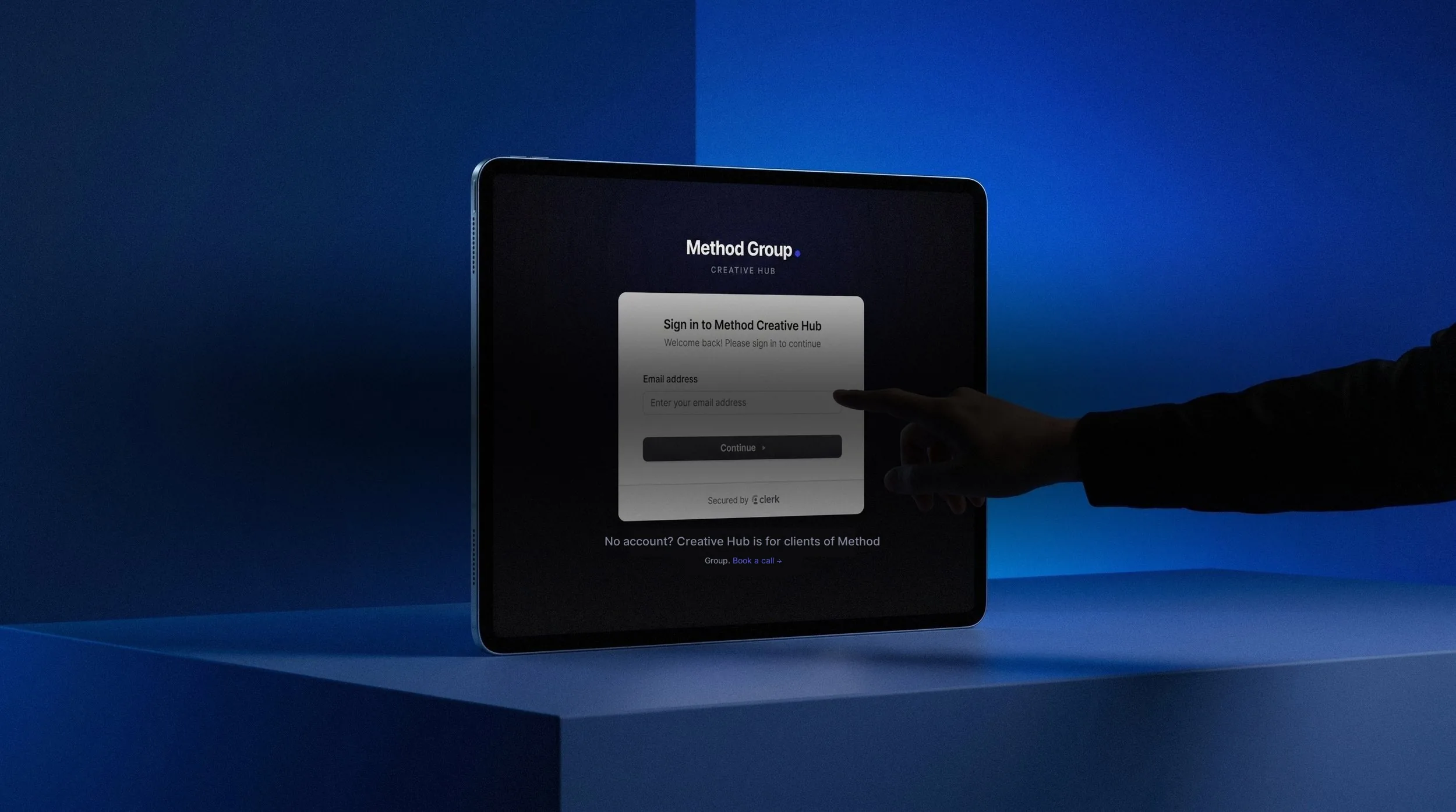
Your projects in one place
See how it works: Method Creative Hub
In many companies the CRM works like a log of events. There's a contact, a stage, a note, sometimes a task and a date for the next follow-up. All of that is needed. The trouble starts when the board or marketing expects something more from it: a current picture of sales and an answer to what needs doing next.
An example from property development. The lead is in the CRM, but unit availability lives in a spreadsheet. The current presentation is in a folder. Feedback from the meeting sits in an agent's note or a message. The campaign report shows where the contact came from but not whether the buyer got the right material afterwards.
Each piece of information may be accurate on its own. The decision status still has to be assembled by hand. Which is why the company has a CRM and at the same time runs on phone calls, messages and quick questions to whoever will know.
A salesperson shouldn't have to feed a system that doesn't help them
The simplest test of CRM adoption is brutal: does the salesperson come back to it because it makes their own work faster, or mainly before a meeting when someone asks for an update? If the CRM only helps a manager produce a report, sales will treat it as administration. And then the data will always be late.
The note gets filled in late. The stage gets changed just before the review. The buyer's objection stays in someone's head because there's no good place to record it. Marketing never sees that the same gap in the material keeps coming up across several conversations.
Salesforce's State of Sales 2026 shows the scale of the tension: sales staff spend 60% of the week on work other than selling, including manual data entry, putting together offers and administration.
The more work there is around the status, the less attention goes on the conversation with the buyer. And in selling a development, the conversation with the buyer is often the moment trust is built or lost.
It quickly becomes marketing's and the board's problem
A bottleneck in the CRM quickly becomes marketing's and the board's problem. Marketing doesn't know whether the material it made is used in conversations. It can't see that agents quietly rework the presentation because the official version is too long. It can't see that buyers ask the same question every week about a detail missing from the FAQ.
The board sees a pipeline but still doesn't know what is actually blocking the close. Price, missing material, poor lead quality, an unclear specification, a decision the company itself has delayed, or simply a follow-up nobody chased. This is where a CRM alone rarely suffices. A CRM mostly shows the sales stage. A decision needs a wider picture.
Salesforce reports that only 34% of sales teams work on a single platform. The rest use a platform plus extra tools, or several separate ones. On average that's eight tools per team, and 42% of sales staff feel overwhelmed by the number.
That sounds like an enterprise problem, but the mechanism in a smaller company is identical. Instead of eight tools you have a CRM, Excel, Drive, email, WhatsApp, an agency report and a few people carrying the operational memory. Only the names are simpler. The chaos works much the same.
Where Control Room comes in
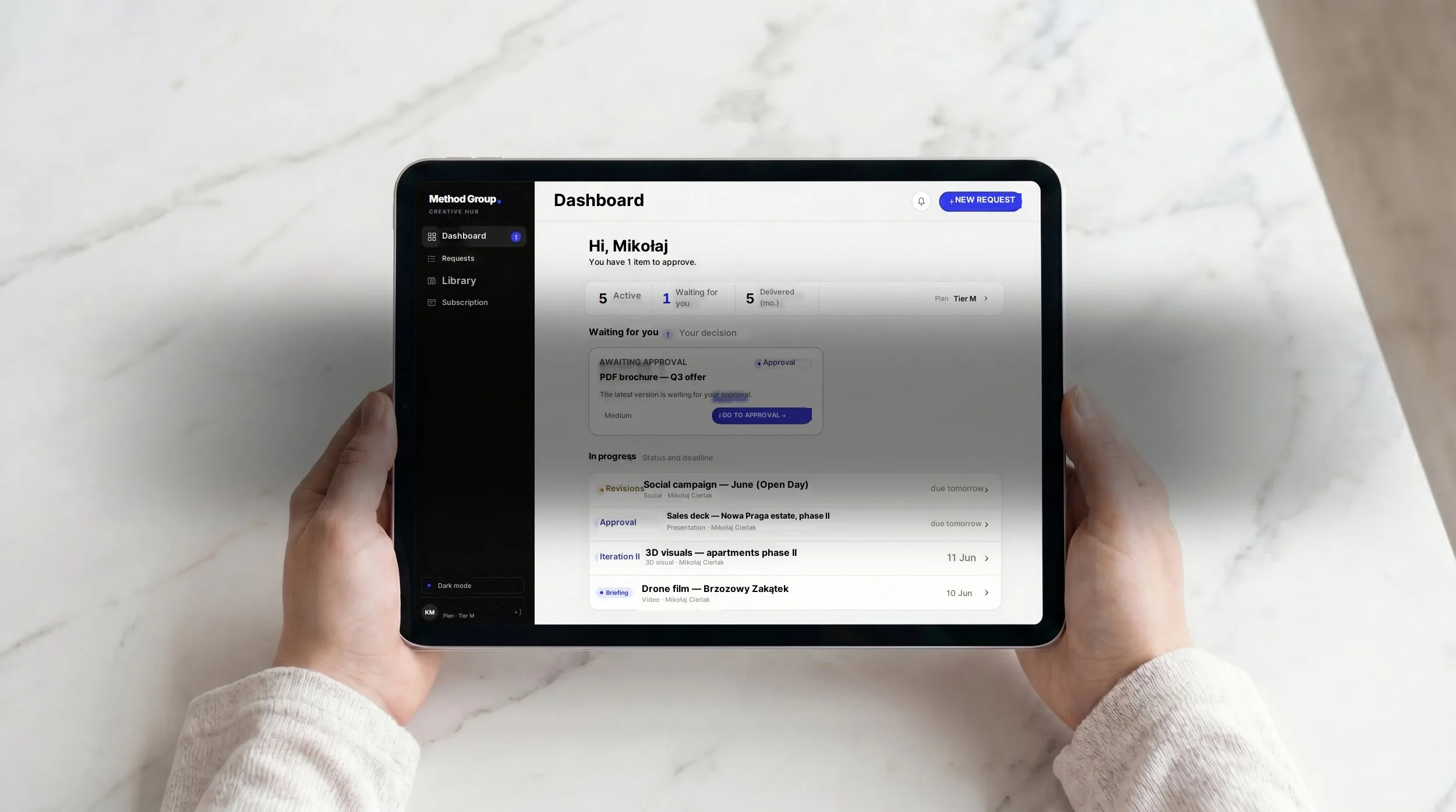
24/7 access for you and your team
See how it works: Method Creative Hub
Control Room is meant to be a layer over what the client already has. If a company has a simple CRM, there's no sense starting by replacing the whole tool. If it has a spreadsheet that genuinely works for prices and units, that doesn't have to go on day one either.
The first question is a different one: which statuses come back every week in conversation? They're rarely exotic. Leads that need a response today, units sitting still despite traffic, material missing for a meeting, and board decisions sales is waiting on.
Control Room should gather the answers in one place, as close as possible to where the team works. Sometimes it will pull from the CRM. Sometimes from a spreadsheet. Sometimes from a folder of material. Sometimes from a simple feedback form filled in by sales. What matters is that the result isn't another dashboard to look at. It should be a place that shortens the path to a decision.
Buyers arrive better prepared than ever
Gartner offers useful context: 75% of B2B buyers prefer a rep-free experience, yet 43% of those who buy through self-service report greater regret afterwards.
For a developer the mechanism is clear. The buyer arrives having already talked to the internet. They've seen the offer, compared locations, written down questions, checked the competition, and often already know which detail is holding them back.
At that moment the adviser can't afford to lose confidence hunting for a status. If they have to ring for the current price, ask about availability or search for the right PDF, the buyer senses the company has no single picture of its own offer. In premium sales that damages trust quickly.
To do today
Take your last sales or status meeting. Instead of analysing the whole CRM, pick one question that recently ended in a phone call, a message or checking several places. For example: is this lead genuinely close to a decision?
Write down what you need to answer it: the stage of the conversation, last contact, material sent to the buyer, the objection, unit availability, price, next step and who owns it. Against each one, note where it lives today.
If the answer is spread across the CRM, a spreadsheet, a folder, email and an agent's memory, you have your starting point for Control Room. Don't start by rolling out a tool. Start with the status the company still rings for. That's where the real cost of having no system sits.
You have data. You don't have a picture of the situation.

A dedicated team from day one
See how it works: Method Creative Hub
If you still have to ring an agent, a director or the owner for a status, the CRM isn't running the work. It's only documenting it. Control Room does something simpler: it shows marketing, sales and the board what's current, what's stalled and what move comes next.
Then the status stops being a phone call. It becomes part of the system.
See how Control Room pulls sales data into one decision picture without replacing the CRM you already have. Book a free audit — we'll take one status that keeps coming back and I'll show you what its absence really costs.
Because a CRM holds data but doesn't turn it into a current picture for making decisions.
The lead is in the CRM, but unit availability lives in a spreadsheet. The current presentation is in a folder. Feedback from the meeting sits in an agent's note or a message. The campaign report shows where the contact came from but not whether the buyer got the right material afterwards.
Each piece of information may be accurate on its own. The decision status still has to be assembled by hand. Which is why the company has a CRM and at the same time runs on phone calls and quick questions to whoever will know.
A CRM mostly shows the sales stage. A decision needs a wider picture.
You can't see whether the buyer got the right material after the meeting. You can't see that agents quietly rework the presentation because the official version is too long. You can't see that buyers ask the same question every week about a detail missing from the FAQ. You can't see what sales is missing in order to close — price, missing material, poor lead quality, an unclear specification, a decision the company has delayed, or a follow-up nobody chased.
Marketing never gets that knowledge. Nor does the board. The decision to change a campaign or the material is taken on an incomplete picture.
Because the system mainly helps a manager produce a report rather than helping the salesperson work faster.
If the CRM is an instrument of control rather than a tool for working, sales will treat it as administration. The note gets filled in late. The stage gets changed just before the review. The buyer's objection stays in someone's head because there's no good place to record it.
Salesforce reports that sales staff spend 60% of the week on work other than selling, including manual entry and administration. The more work there is around the status, the less attention goes on the conversation with the buyer. And in selling a development, that conversation is often the moment trust is built or lost.
By defining one question that keeps coming back and gathering the answer to it in one place.
Usually it's simple things: which leads need a response today, which units are sitting still despite traffic, what an agent is missing for a meeting, which board decision is blocking a sale.
These are questions the company is already trying to ask every week. Control Room gathers the answers in one place, as close as possible to where the team works. Sometimes pulling from the CRM, sometimes from a spreadsheet, sometimes from a simple feedback form filled in by sales. What matters is that the result isn't another dashboard to look at, but a place that shortens the path to a decision.
A CRM holds sales data — contacts, stages, the history of contact with a buyer. It's a salesperson's tool for running a process with a particular client.
Control Room works at a different level. It gives marketing, sales and the board the same picture at the same time. What's ready, what's missing, which material is current, which objections keep returning, where the blockage is and who has to move.
Control Room doesn't replace the CRM. It sits as a layer over the existing stack and turns the data the CRM already holds into answers to the questions that come back every week.
Start by mapping how the work actually flows: where a lead lands, who has to respond, what the current status means, when the deal moves on and what information has to reach the decision-maker.
At PXCA a CRM formally existed. There were leads, there were attempts to hold a pipeline. But sales, projects and statuses lived in several places. Things only changed once we stopped treating the CRM as the centre of everything and mapped how the work actually flowed.
The effect was measurable. Response time to a lead fell from two days to four hours. Pipeline visibility rose from 30% to 95%. The company grew from 9 to 24 people without operations falling apart.
Don't start by choosing a tool. Start with one status that regularly comes back as a phone call, a message or a meeting asking what's going on.
For example: is this lead genuinely close to a decision? Write down what you need to answer it — the stage of the conversation, last contact, material sent to the buyer, the objection, unit availability, price, next step. Against each one, note where it lives today.
If the answer is spread across the CRM, a spreadsheet, a folder, email and an agent's memory, you have your starting point for a decision layer. You don't have to throw out the CRM. You have to add one place that answers that particular question without manual assembly.
Because the buyer arrives having already talked to the internet. They've seen the offer, compared locations, written down questions and often already know which detail is holding them back.
At that moment the adviser can't afford to lose confidence hunting for a status. If they have to ring for the current price, ask about availability or search for the right PDF, the buyer senses the company has no single picture of its own offer. In premium sales that damages trust quickly.
Gartner reports that 75% of B2B buyers prefer a rep-free experience, yet 43% of those buying through self-service report greater regret afterwards. Buyers want to arrive well prepared, but a conversation with a well-prepared adviser still matters decisively.
Only if sales has an easy way to report what it uses and what it lacks. Without that channel, marketing works in a vacuum.
It can't see that agents rework the presentation because the official one is too long. It can't see that buyers ask every week about a detail the material doesn't cover. It can't see that the same objection recurs across several conversations and could be headed off with one new slide.
Control Room closes that loop. Feedback from sales reaches marketing in a structured way, not through Slack or a quarterly meeting. So every update to the material answers real questions from real conversations rather than guesses made in an office.
Usually not in the campaign or on the website, but between first contact and the next step.
The lead lands in the CRM, is assigned and has a status. But the agent doesn't have the right material to hand for that particular conversation. Or unit availability is in a spreadsheet rather than the system. Or the follow-up came too late because nobody was watching the queue. Or the buyer asked about a detail the material didn't cover and left without an answer.
None of this is a fault in the CRM. These are gaps in the layer that connects data to what happens next. That's where the real cost of having no system sits.